
All content Copyright 2022 Parallel Systems Ltd.
1. In Capture, select Help>OrCAD Capture Help
The Cadence Help window appears displaying the OrCAD Capture topic.
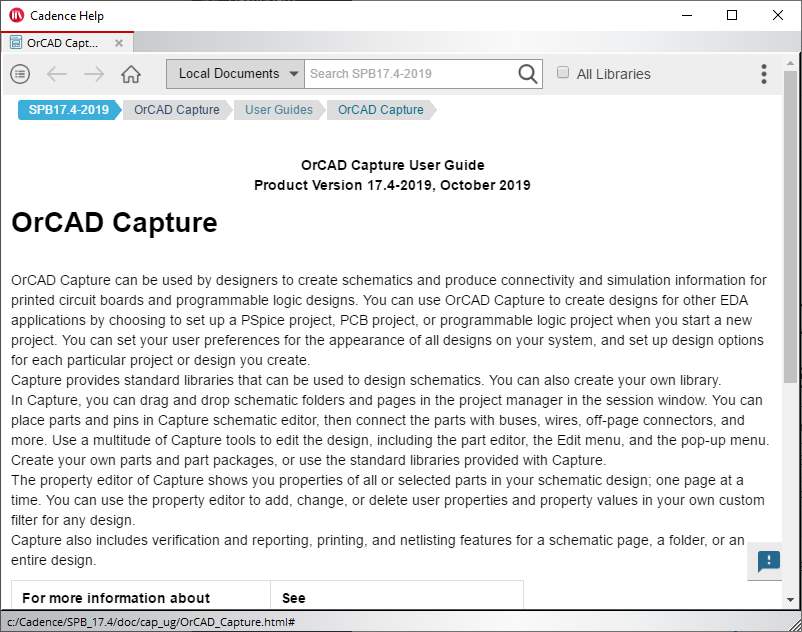
2. In the Search box, type “zoom” (no quotes) and left-click the “search” icon, or press Enter.
Results for “zoom” are shown for all of the manuals in the active documentation.
3. Left-click the “Filter” icon and left-click the “+” for Products, set the option for “OrCAD Capture”
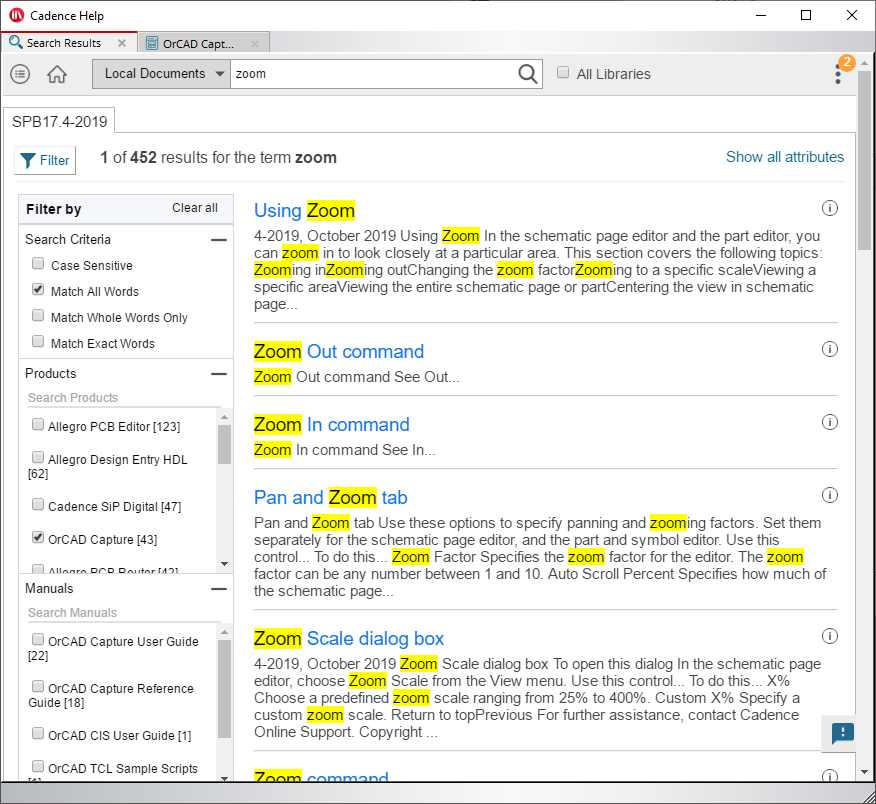
The displayed results will only contain results for OrCAD Capture.
Results can also be filtered by Manual.
4. When ready, close the Cadence Help window.
5. In the Capture session window, select Help>Documentation
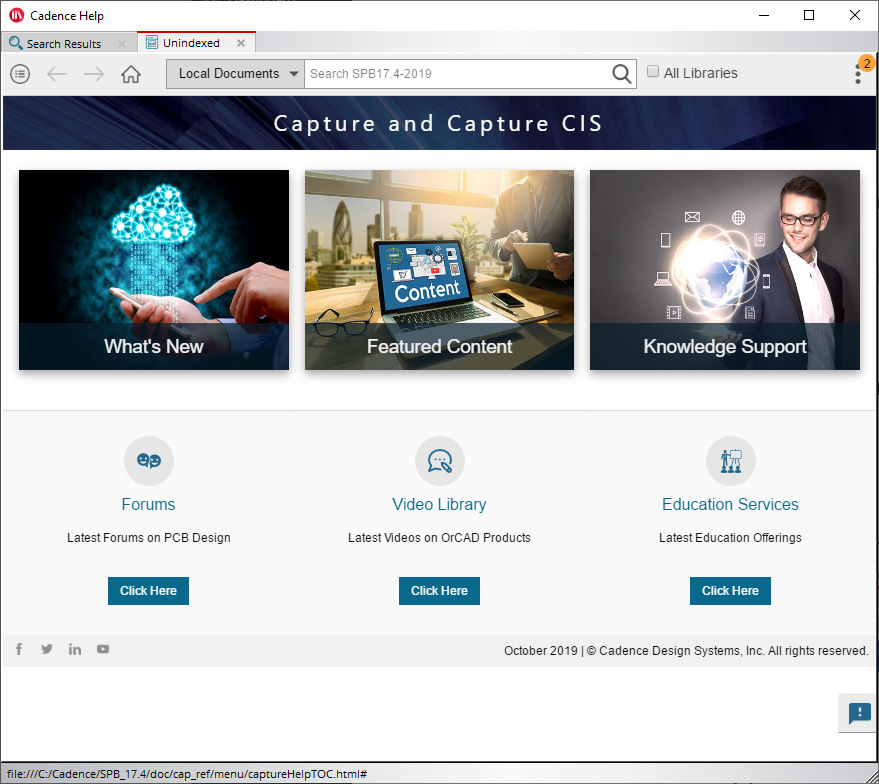
Hover over the “What’s new”, “Featured Content” or “Knowledge Support” images for more options.
6. Use the Show Library button (circled) to open the library of manuals in the documentation.
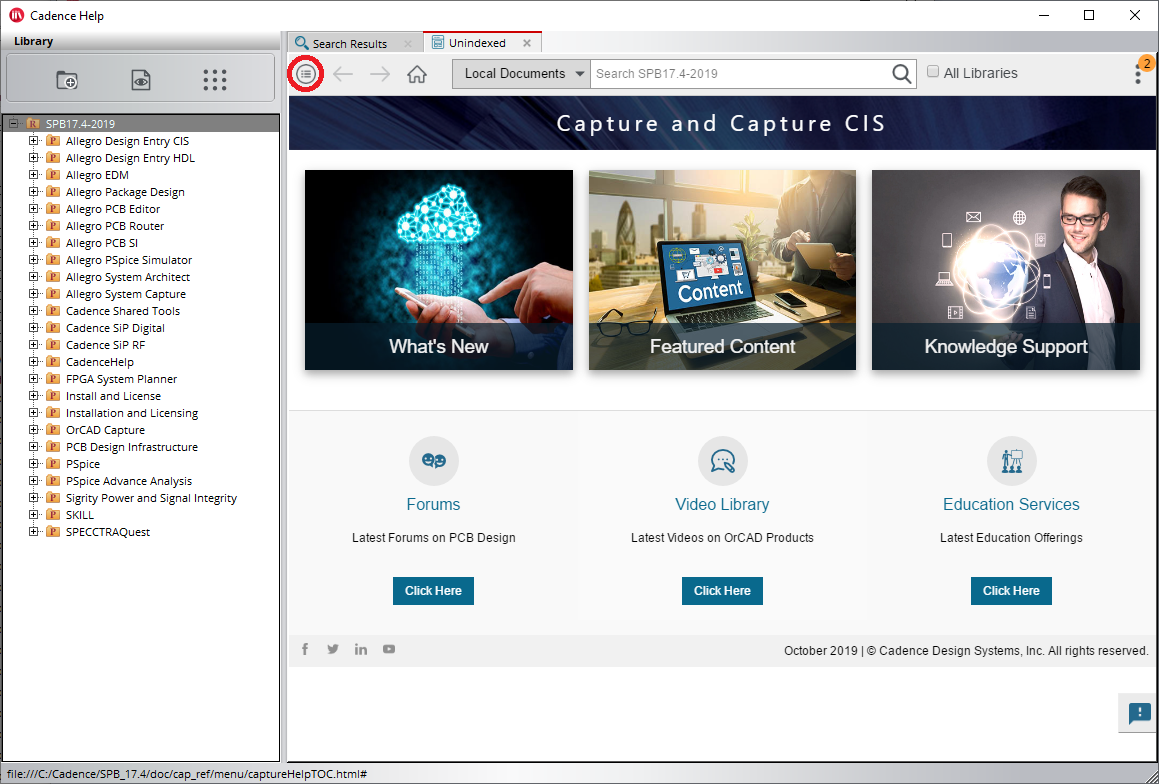
7. When you are ready, select the X at the upper right to close the Cadence Help Viewer window.
End of Lab
All content Copyright 2022 Parallel Systems Ltd.