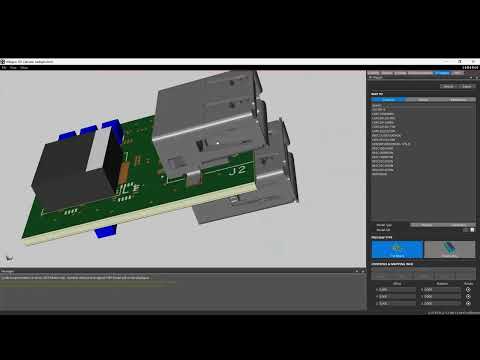
Artificial Intelligence
Collaborate with OrCAD X AI to improve your efficiency
Automated place and route technology improves the speed of layout dramatically, and can improve efficiency of the final design by optimizing routing and layers.
Electronic design automation / Since 1997

Cadence OrCAD X
Welcome to an era of PCB design where your common commands are elevated, visibility into your design is increased, and your experience is streamlined.
With OrCAD X we have provided updates and improvements to create a more modern experience that new users expect, and engineers who have been with us for decades will greatly appreciate.
A completely new layout environment, unmatched capacity for designing, and a vital, hybrid-cloud approach to team collaboration, component libraries, design reuse, and data management empowers engineers to design boldly.
Download the free OrCAD X trial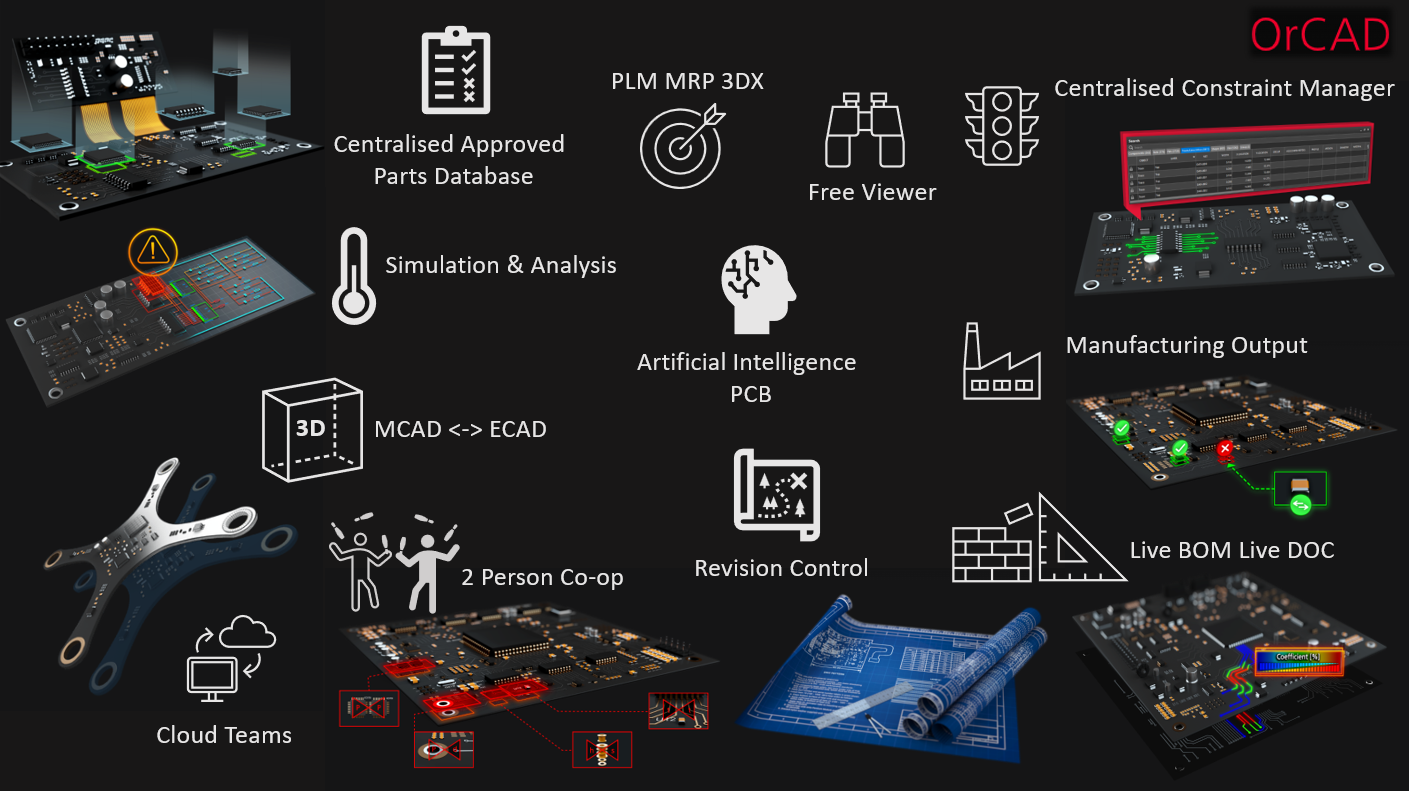
Artificial Intelligence
Automated place and route technology improves the speed of layout dramatically, and can improve efficiency of the final design by optimizing routing and layers.
LiveDOC
Define the layout and content of your final documentation and manufacturing information early in the design cycle, use or create a template, and OrCAD X LiveDOC will dynamically update in real-time with any changes made to the parent design.
Design for Manufacturability (DFM)
Easily create and assign constraints for manufacturing based on IPC standards and common PCB rules.
Constraint Engine
Use the trusted, entire Allegro constraint engine for the first time in OrCAD X to tackle any level of complexity in your designs.
Snapping & grid controls
At-a-glance visibility and access for functions that you use frequently.
Part Manager
Part manager makes sourcing, purchasing, and updating based on part availability easy, with real-time updates to existing part libraries.
All Legacy Capabilities
Nothing removed, only improved. All legacy functionality exists, with additions and enhancements to make your next project easier than ever.
Presto PCB Editor
Design boldly with this new PCB layout environment fully compatible with the OrCAD PCB editor — fewer clicks, the Allegro constraint engine, real-time 2-person Symphony co-design and live part updating.


OrCAD X introduces personalization and flexibility to the UI along with increased visibility, automation, and cloud connectivity, allowing you to have clear focus on what matters… designing.
An optimal layout environment that reduces mouse travel and clicks, minimises clutter, automates repetitive tasks, and completes your PCB design faster than ever.
Allegro technology and OnCloud bring collaborative data, project, library management and part creation through unified storage and access.
Over 18 million verified symbols, footprints and 3D models from more than 2,500 manufacturers, built to IPC and ANSI standards, with real-time pricing, stock and lead times.
Real-time insights on over 1.6 billion parts from 3,600 suppliers, flagging lifecycle risk, REACH/RoHS compliance and suggesting alternatives.
DC, AC, transient, Monte Carlo, Smoke, worst-case, noise and parametric sweeps to resolve issues early.
Centralised, secure collaboration on libraries, design reviews and always-current design data.
Real-time bidirectional push-button synchronisation between electrical and mechanical teams.
Multiple engineers on the same layout in real time with live updates and conflict resolution.
One rule system across schematic and layout with dynamic feedback and constraint grouping.
Sigrity X Aurora impedance and coupling analysis inside the layout environment.
Live DOC fabrication and assembly drawings, drill tables and annotations at the click of a button.
Real-time fabrication, assembly and test checks during layout.
Watch the video interview and demo — jump straight to any topic.

Personalization with Shortcuts

Design Review and Markup

Circuit Clustering

DRC Errors

User Guidance Window

Flex and Bend Zones
Fanouts and Via Arrays

Personalization with Nets and Display

Grids and Snapping

Workspace

Routing Modes

Integrated 3D Engine

Place & Route with Ease

Engineering Workspace Productivity
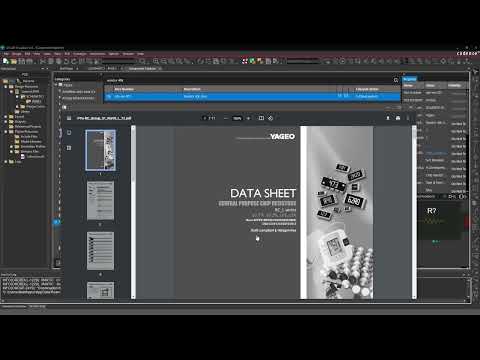
Cloud-enabled Component Management

PCB Editor Productivity & Flexibility

Customizable Workspace
A guided course introducing the new Presto PCB Editor environment.
Open the courseA fully functional licence for 15 days — experience the powerful, easy-to-use OrCAD X platform today.
Proof of standing
A Cadence approved software, training and services partner for engineering and procurement teams across the UK and Ireland.
1997
Supporting electronic design teams since.
UK + IE
Local software, training and support.
EDA
From schematic capture to sign-off.