parallel systems
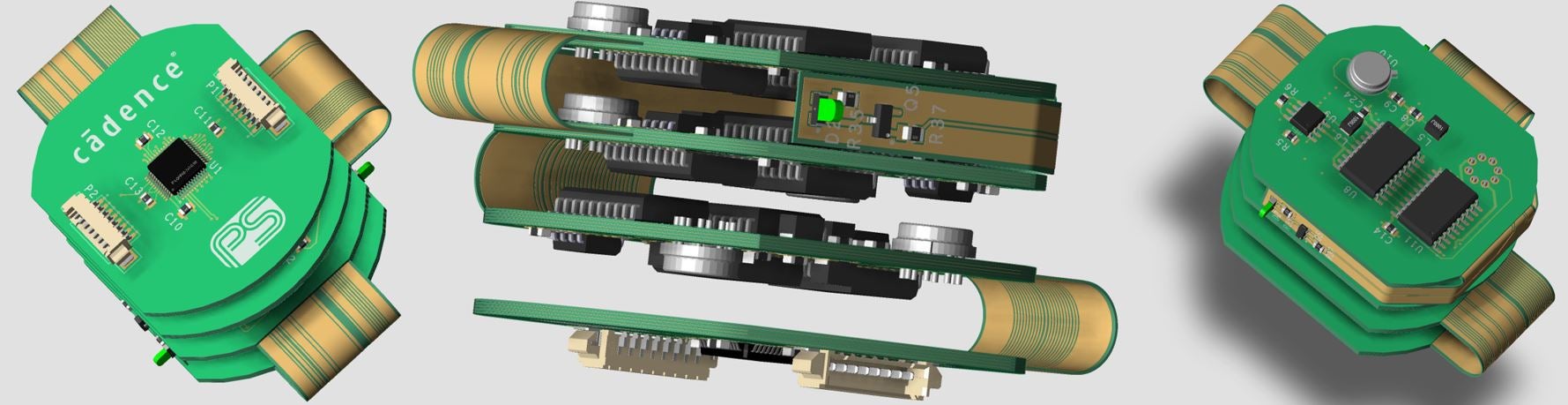
3D PCB design in Cadence PCB Editor

Cadence OrCAD & Allegro

Expert OrCAD & Allegro Training

Practical online training to help engineers and PCB designers quickly learn best practices with Cadence OrCAD Capture, PSpice AD, and PCB Editor.

Parallel Systems has provided world-leading EDA software, sales, and training since 1997. Our courses are designed to help new and experienced users become more productive with Cadence tools.

  • 100% online, self-paced
  • Beginner to advanced courses
  • Expert Cadence trainers
  • Training since 1997

Training Designed Around Real Engineering Workflows

Whether you are new to OrCAD and Allegro or want to improve your existing PCB design workflow, Parallel Systems provides structured training focused on practical skills, best practices, and productivity.

01

Practical, hands-on learning

Learn the workflows and best practices needed to use OrCAD and Allegro productively from day one.

02

Courses for every level

From first schematic to advanced PCB layout, choose the course that matches your experience.

03

Self-paced online learning

Learn at your own pace online, with access to a live trainer for feedback and questions during your course.

04

Written by Cadence specialists

Learn from a team that has supported OrCAD and Allegro users since 1997.

Online Training Courses

Choose the course that matches your tools and experience.

All courses £1250 + VAT

OrCAD Capture trainingBeginner – Intermediate

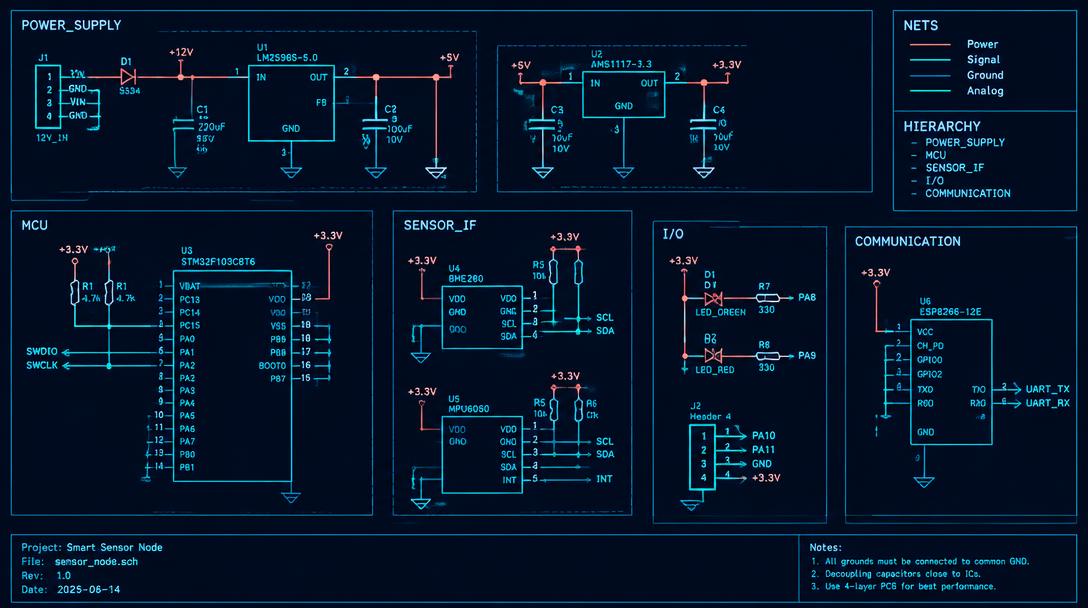
OrCAD Capture Training Course

Build confidence with schematic capture, part libraries, hierarchy and design-ready netlists.

£1250 + VAT

Course agenda

Capture Online Course Agenda
  • Session 1: Getting Started with OrCAD Capture (CIS)
  • Session 2: OrCAD Capture Preferences
  • Session 3: OrCAD Library Basics
  • Session 4: Homogeneous Library Parts
  • Session 5: Heterogeneous Library Parts
  • Session 6: Library Parts from a Spreadsheet
  • Session 7: Library Symbols
  • Session 8: Making a New Project
  • Session 9: Processing a Schematic Design
  • Session 10: Building a Multi-sheet Design
  • Session 11: Processing a Multi-sheet Design
  • Session 12: Other Tools in OrCAD Capture
  • Session 13: Editing Properties
  • Session 14: Building an Hierarchical Design
  • Session 15: Creating an Hierarchical Block
  • Session 16: Processing a Hierarchical Design
  • Session 17: Preparing the Schematic for PCB Editor (Allegro)
OrCAD PSpice AD trainingBeginner – Intermediate

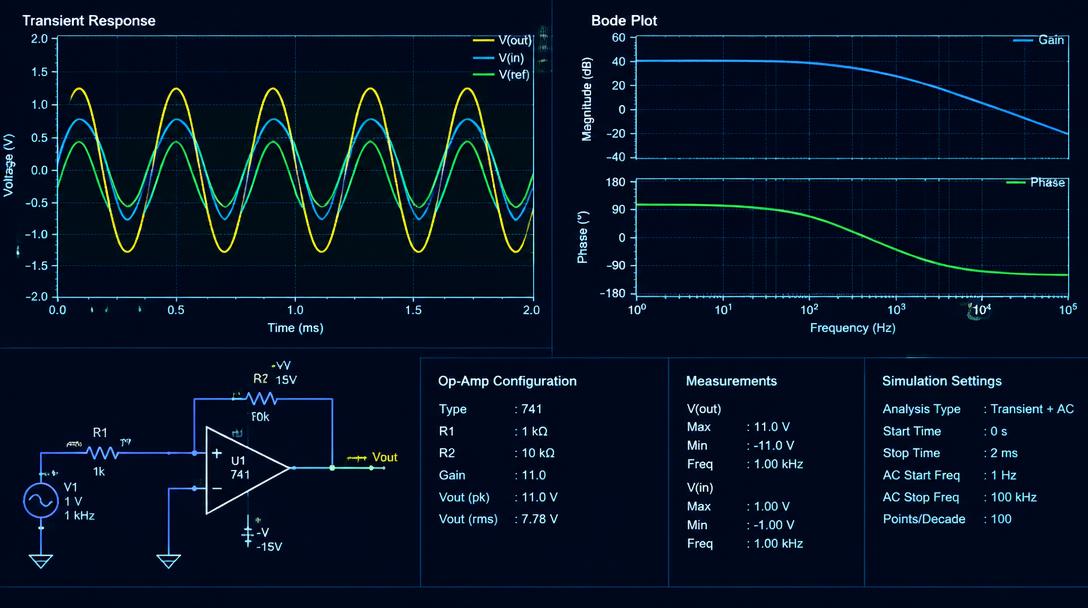
OrCAD PSpice AD Training Course

Simulate and analyse analog and mixed-signal circuits with PSpice best practices.

£1250 + VAT

Course agenda

PSpice AD Online Training Course Agenda
  • Session 1: Building a Design for Simulation
  • Session 2: DC Bias Point Analysis
  • Session 3: DC Sweep Analysis
  • Session 4: AC Sweep Analysis
  • Session 5: Simulating a Text Netlist
  • Session 6: Transient Analysis
  • Session 7: The Simulation Process
  • Session 8: Transformers
  • Session 9: Parametric Analysis
  • Session 10: Editing a Model
  • Session 11: Adding New Parts
  • Session 12: Temperature Analysis
  • Session 13: Monte Carlo Analysis
  • Session 14: Hierarchical Blocks and Symbols
  • Session 15: Analog Behavioural Modelling
  • Session 16: Simulating Digital Circuits
  • Session 17: Mixed Analog and Digital
  • Session 18: Measurements
  • Session 19: Worst Case Analysis
  • Session 20: Noise Analysis
PCB Editor trainingBeginner – Intermediate

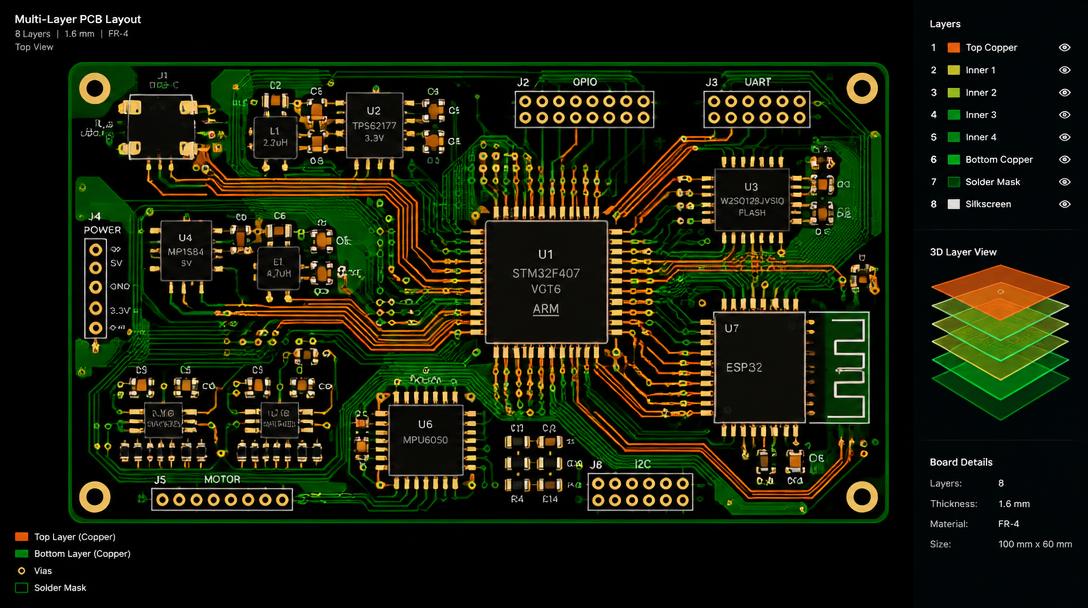
PCB Editor Training Course

Learn board layout end to end in OrCAD or Allegro PCB Editor — placement, routing and manufacturing output.

£1250 + VAT

Course agenda

PCB Editor Online Course Agenda
  • Session 1: Introduction
  • Session 2: Padstacks
  • Session 3: PCB Editor Essentials
  • Session 4: Footprints (Package Symbols)
  • Session 5: Mechanical Symbols and Master Boards
  • Session 6: OrCAD Logic Import
  • Session 7: Setting Physical and Spacing Rules (Constraints)
  • Session 8: Properties and Manufacturing Checks
  • Session 9: Component Placement
  • Session 10: Other Placement Topics
  • Session 11: Shapes
  • Session 12: Routing
  • Session 13: Preparing for Manufacturing
  • Session 14: Manufacturing Output Data
Advanced PCB Editor trainingIntermediate

Advanced PCB Editor Training Course

Go further with advanced layout techniques. Requires at least OrCAD Professional for most topics.

£1250 + VAT

Course agenda

Advanced Cadence PCB Editor Online Course Agenda
  • Session 1: Scribble Routing
  • Session 2: Group / Bus Routing
  • Session 3: Contour Routing
  • Session 4: Via Arrays
  • Session 5: Electrical Constraints
  • Session 6: Autorouting
  • Session 7: Place Replicate
  • Session 8: Fillet and Taper Traces
  • Session 9: Constraint Regions
  • Session 10: Rigid Flexi Designs
  • Session 11: Backdrilling
  • Session 12: Analysis Workflows
  • Session 13: Vision Manager and Void Checking

Every course includes:

  • a self-paced course online, with access to a live trainer for feedback and questions during your course
  • Full course agenda tailored to real workflows
  • Hands-on exercises throughout
  • Follow-up support for questions

Not sure which course is right for you?

Tell us about your team and tools — we'll recommend the best training path.

Enquire About Training

Proof of standing

Engineering expertise, built since 1997.

A Cadence approved software, training and services partner for engineering and procurement teams across the UK and Ireland.

1997

Supporting electronic design teams since.

UK + IE

Local software, training and support.

EDA

From schematic capture to sign-off.